
Financial Wellness
Review Recurring Charges Before Payday
Use a recurring charges review to spot subscriptions, autopay bills, timing gaps, and safer next steps before payday.

A recurring charges review helps you catch subscriptions, automatic payments, renewals, and bill timing before they crowd the days leading up to payday. It is a small habit, but it can change the question from “Where did the money go?” to “What is scheduled to happen next?”
This guide is educational, not financial, legal, tax, or investment advice. It does not guarantee that a fee, shortfall, missed payment, overdraft, product need, reward, or cash-flow gap can be avoided. The goal is simpler: make recurring charges visible early enough to review options calmly.
Why a recurring charges review matters
Recurring charges are easy to underestimate because they do not always feel like active spending. A streaming trial renews. A storage plan upgrades. A utility bill drafts automatically. A lender, insurer, phone provider, membership, or app subscription pulls on a date that no longer matches the current pay cycle.
The Federal Reserve’s 2025 report on the economic well-being of U.S. households in 2024 found that 63 percent of adults said they would cover a hypothetical $400 emergency expense using cash or its equivalent. That broad measure does not describe every household, but it is a useful reminder that small timing issues can matter when cash buffers are limited.
The Consumer Financial Protection Bureau’s Your Money, Your Goals toolkit includes tools for tracking income, bills, spending, and cash flow. A recurring charges review follows the same practical idea: list what is known, put it on a timeline, then decide what needs attention before the deadline.
Start with the next payday window
Do not begin with the whole month. Begin with the window between today and the next expected payday. That is where a small automatic payment can create the most pressure.
Write down:
- The next expected income date.
- The amount you can reasonably count on.
- Any deposits that sometimes arrive early or late.
- Required bills due before that income arrives.
- Automatic payments scheduled before and shortly after payday.
- Money that should stay set aside for rent, utilities, childcare, transportation, food, or other essentials.
If income varies, use the conservative number you can plan around. If a deposit depends on hours, tips, gig work, reimbursements, or a platform schedule, keep it separate until it is available.
Find recurring charges in account activity
Look through the last one to three months of account activity and mark anything that repeats. Some charges are obvious. Others hide behind merchant names that are hard to recognize.
Check for:
- Monthly subscriptions and memberships.
- Annual renewals that may not appear every month.
- Utility, phone, insurance, rent, loan, or credit payments.
- App store, storage, software, gaming, or media charges.
- Buy-now-pay-later or installment payments.
- Donations, dues, and association fees.
- Transfer rules that move money automatically.
- Fees tied to payment methods, cards, or account services.
Connected account data can make this easier to scan, but it still needs review. Plaid’s Transactions documentation describes how transaction data and categorization can support financial apps. Categories and merchant labels are helpful starting points, not final answers. A recurring charge can be mislabeled, delayed, duplicated, refunded, or split across more than one account.
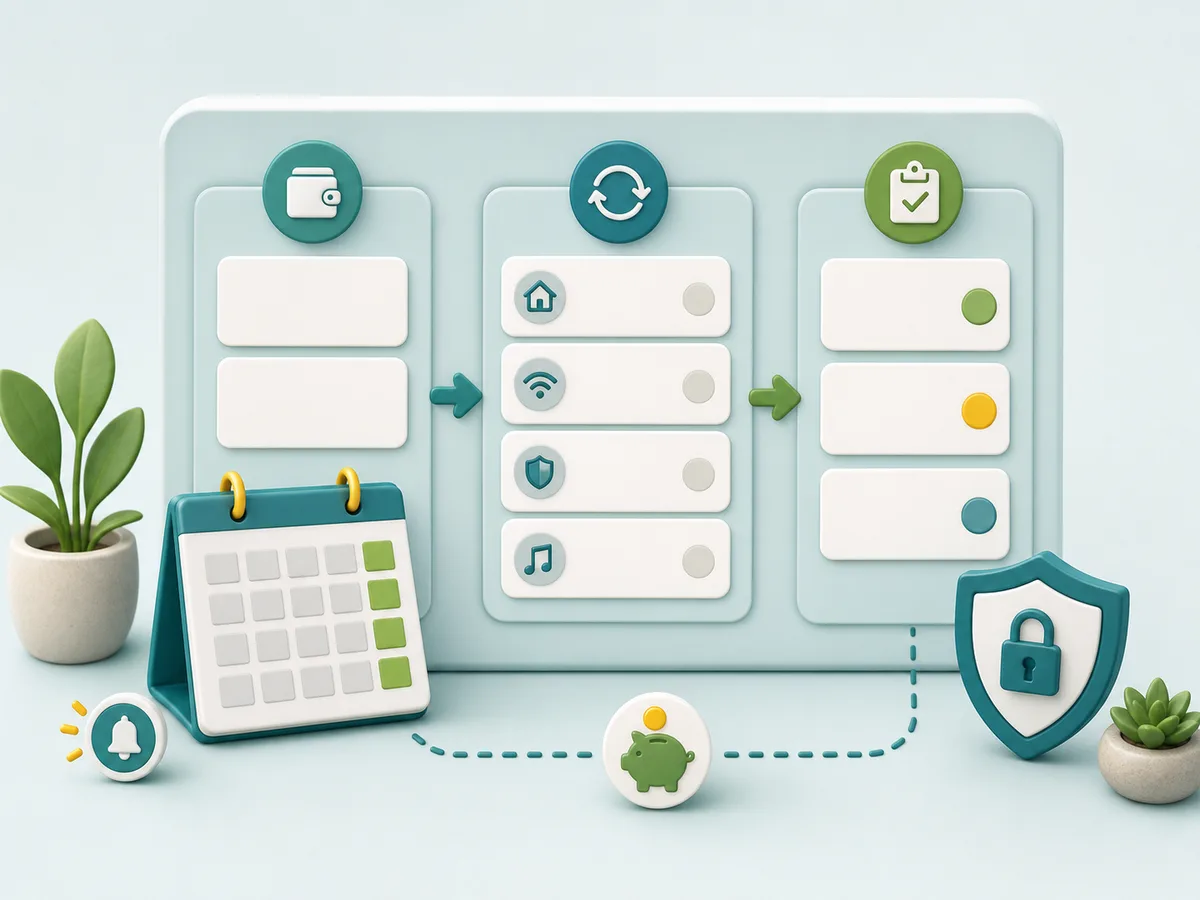
Sort charges by what you can change
Once the list is visible, sort each item by what kind of decision it needs.
| Charge type | Examples | Review question |
|---|---|---|
| Required and fixed | Rent, insurance, loan payment, phone plan | Does the date create pressure before payday? |
| Required but adjustable | Some utilities, card payments, service providers | Can the due date or payment plan be reviewed? |
| Optional recurring | Streaming, apps, memberships, software | Does it still fit the current pay cycle? |
| Annual or occasional | Renewals, professional dues, storage upgrades | Should a reminder be set before the next renewal? |
| Unrecognized | Merchant names, trial conversions, duplicate-looking charges | Do you need to verify, dispute, cancel, or contact the provider? |
This step keeps the review practical. You may not be able to move every bill, and cancelling a service may have consequences. But separating fixed obligations from optional or adjustable charges can show where a next step exists.
Set reminders before the money moves
A reminder is most useful before the automatic payment happens. A reminder on the due date may prevent a missed payment, but it may be too late to change spending earlier in the week.
Set reminders for:
- Three to five days before a large recurring charge.
- One week before a trial or annual renewal.
- The day income is expected.
- The midpoint between paydays.
- The tightest week in the pay cycle.
- The day before moving money toward a savings goal or optional expense.
Naverica’s financial wellness resources are designed around practical awareness: connected account review, transaction summaries, budgets, goals, reminders, income plans, and insights. These tools are meant to help users review patterns and plan next steps. They are not banking custody, underwriting, credit repair, or financial advice.
Review cancellation and security carefully
If a subscription or membership no longer fits, review the provider’s cancellation path and any terms that apply. Keep confirmation emails, cancellation numbers, or screenshots that do not expose private data. If the service is important, make sure cancelling does not interrupt something you still need.
The FTC’s consumer guidance on free trials, auto-renewals, and negative option subscriptions is useful background when a charge keeps renewing or cancellation is unclear. The FTC also warns consumers about phishing scams, which matters when a text, email, or ad claims it can fix a billing problem quickly.
Use a simple safety check:
- Go directly to the provider’s official website or app.
- Do not share account credentials, full card numbers, bank screenshots, or one-time codes in chat or email.
- Do not click urgent payment or cancellation links from unexpected messages.
- Save confirmation details without exposing private financial information.
- Use secure Naverica support paths for account-specific Naverica questions.
Keep rewards out of required bill money
Rewards can be useful, but they should not be treated as guaranteed income for recurring bills. A rewards activity may depend on partner rules, activity verification, payout method support, reversals, availability limits, and timing.
Naverica Rewards depend on participating partners and program rules. Rewards credits are not bank balances, deposits, or guaranteed income. Current rewards may cash out only through approved PayPal or bank draft options when available and eligible. Treat rewards as a possible extra, not the foundation for rent, utilities, repayment, subscriptions, or other required payments.
For more context, review Naverica’s Rewards page or the help overview on rewards and redemptions.
Slow down before using a financial product
If the recurring charges review shows a real gap before payday, pause before choosing a product or payment method. A timing issue, an income shortfall, an unexpected expense, and a recurring overspend are different problems.
Before considering a cash advance, credit product, bill-change service, payment plan, or other financial product, ask:
- Is the shortfall temporary or likely to repeat?
- What fees, repayment timing, cancellation rules, or provider terms apply?
- Will the option make the next pay cycle tighter?
- Is there a biller hardship option, due-date change, or payment plan to review?
- Are you sharing information through an expected, secure channel?
Naverica’s cash advance page explains that cash-advance access is currently paused while wellness and rewards features remain the active focus. Naverica does not lend its own capital, make partner underwriting decisions, guarantee cash advance availability, or promise any specific approval, funding, repayment, savings, reward, payout, or credit outcome. Availability, terms, and timing can vary by provider rules, user eligibility, consent, state availability, and applicable law.
Make the review a pay-cycle habit
A recurring charges review does not have to be complicated. It can be a 10-minute check before each payday window.
Use this checklist:
- Scan recent transactions for repeat charges.
- Mark the next renewal or draft date.
- Sort each charge as required, adjustable, optional, annual, or unrecognized.
- Set reminders before large payments and renewals.
- Confirm cancellation or provider support steps through official channels.
- Protect a small buffer when possible.
- Keep rewards separate from bill money.
- Review whether the next pay cycle needs a different reminder.
The CFPB’s financial well-being resources frame financial well-being around control, capacity to absorb shocks, goals, and choices. A recurring charges review does not create those outcomes by itself, but it can support one useful piece: seeing scheduled money movement before it becomes urgent.
Use visibility to make better next steps
Recurring charges are not automatically bad. Many pay for useful services, required obligations, or time-saving autopay arrangements. The risk is forgetting what is scheduled and discovering it only after the money moves.
Start with the next payday. Find repeating charges. Sort what can and cannot change. Set reminders before drafts and renewals. Review cancellation and security carefully. Keep rewards separate from essentials. Then repeat the habit each pay cycle so the next version is more accurate.
That kind of visibility does not guarantee a financial outcome. It can, however, make the next decision easier to see before payday arrives.